One schedule for your whole school
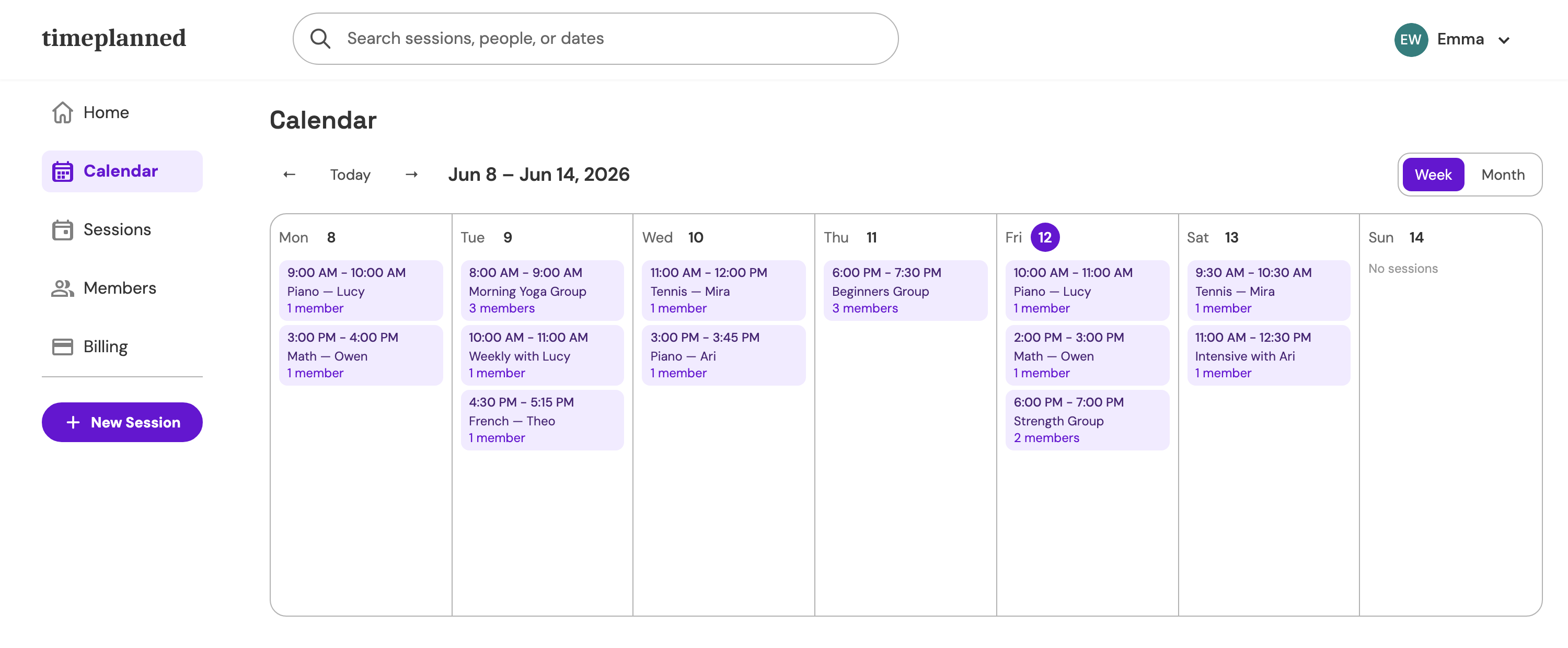
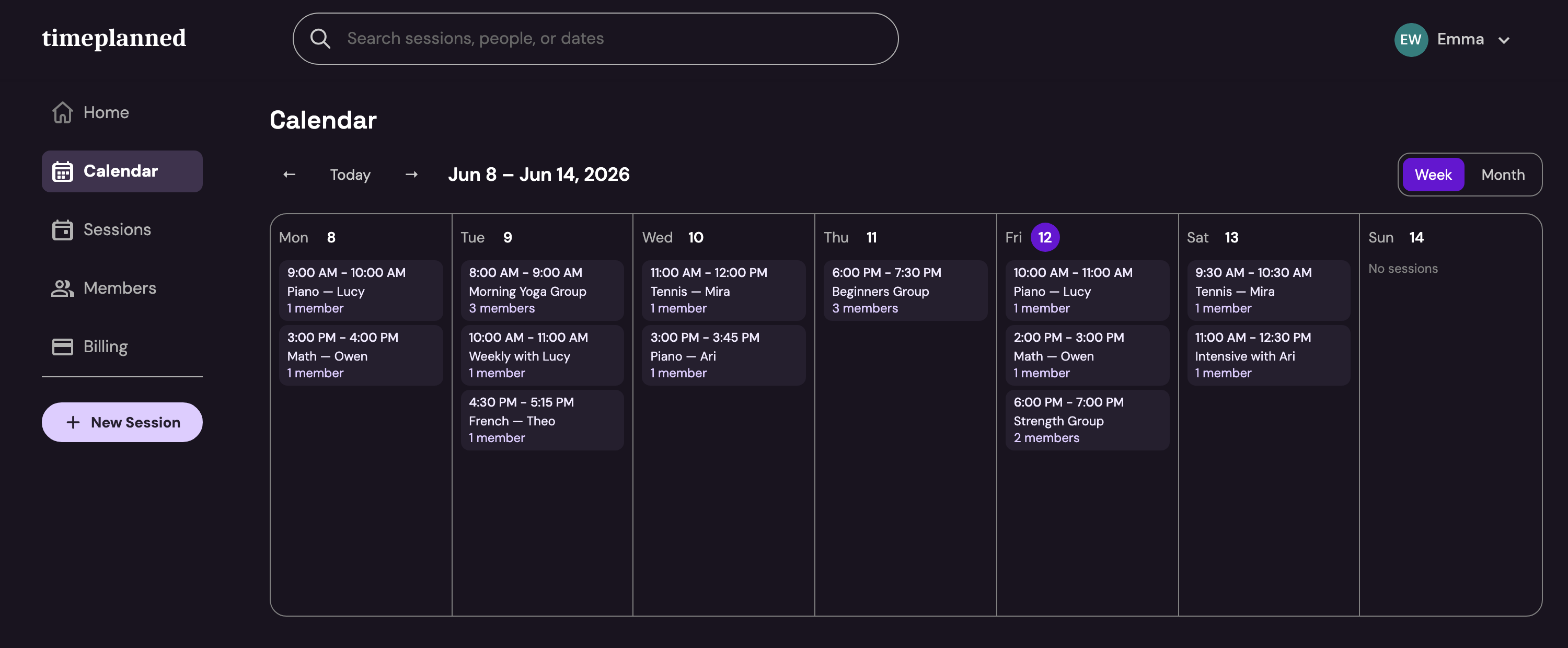
Shared students, a schedule per teacher and one subscription for the whole team.
Payment received
€50 · Piano · Lucy L.
Sound familiar?
- 01
Every teacher keeps their own calendar, so the school's week gets reconstructed from screenshots and phone calls.
- 02
A student moves from one teacher to another and their history — attendance, packs, payments — doesn't move with them.
- 03
Billing scattered across teachers means the owner finds out about unpaid months at the worst moment.
How Timeplanned handles it
Team accounts & roles
Invite teachers by email and manage roles — owner, admin, teacher. Each lesson is assigned to the teacher who delivers it.
Shared students & groups
Students and groups belong to the school, not to one teacher's notebook — history follows the student.
One subscription
The base plan covers the first teacher; each additional active teacher is $4.99/month or $49/year. No per-student pricing.
A website for the school
A public booking page at your-school.timeplanned.com with services, hours, and a trial-request form — new students land in the schedule, not the inbox.
$9.99/month — one price, everything included
60-day free trial, no credit card. Founding members lock in $5.99/month for life on the Solo plan.
See pricingSchool & studio questions, answered
- Can several teachers work under one account?
- Yes. Timeplanned team accounts let a school invite teachers by email, share students and groups across the team, and manage roles as owner, admin, or teacher.
- How much does Timeplanned cost for a school?
- The base plan is $9.99 per month (or $99 per year) and includes the first teacher; each additional active teacher costs $4.99 per month or $49 per year. Every feature is included and one subscription covers the whole team.
- How are lessons split between teachers?
- Every session is assigned to the teacher who delivers it, so each teacher's schedule stays clear while the school shares one calendar and one student base.
- Do parents get visibility?
- Yes. Parents sign in to the member portal with an email link and see all their children in one view — upcoming lessons, remaining sessions, and payment status.
Take Back Your Teaching Schedule
Start your 60-day free trial today. Every feature unlocked, no credit card required.
Start free trial