
Built for How You Actually Work
Every feature exists because a real teacher or trainer needed it.
Session Scheduling
Create one-time or recurring sessions in seconds. Set the duration, add students, pick a time — done. Works for private lessons and group classes alike.
Attendance Tracking
Mark each session as taken, cancelled, or missed. See attendance history per student. Finally have clear records when disputes arise.
Student & Group Management
Manage individual students and groups from one place. See who's enrolled in what, track participation, and keep everything organized.
Calendar Sync
Connect Google Calendar or Outlook. Your teaching sessions appear alongside personal appointments — no double bookings, ever.
Flexible Recurring Patterns
Weekly, bi-weekly, every 3rd week, specific days only — whatever your teaching rhythm, Timeplanned handles it. Adjust individual occurrences without breaking the series.
Works on Any Device
Check your schedule between lessons on your phone. Update attendance from your tablet. Manage everything from your laptop. Fully responsive, always in sync.
Teams for Schools & Studios
Run a school with several teachers under one account. Invite teachers by email, share students and groups across the team, assign each lesson to the teacher who delivers it, and manage roles — owner, admin, teacher.
Your Own Website
A personal website at your-name.timeplanned.com — hero photo, your story, services & pricing, opening hours, and a booking form built in. Share the link or QR code, or embed the forms on your existing site; no website builder needed.
Student & Parent Portal
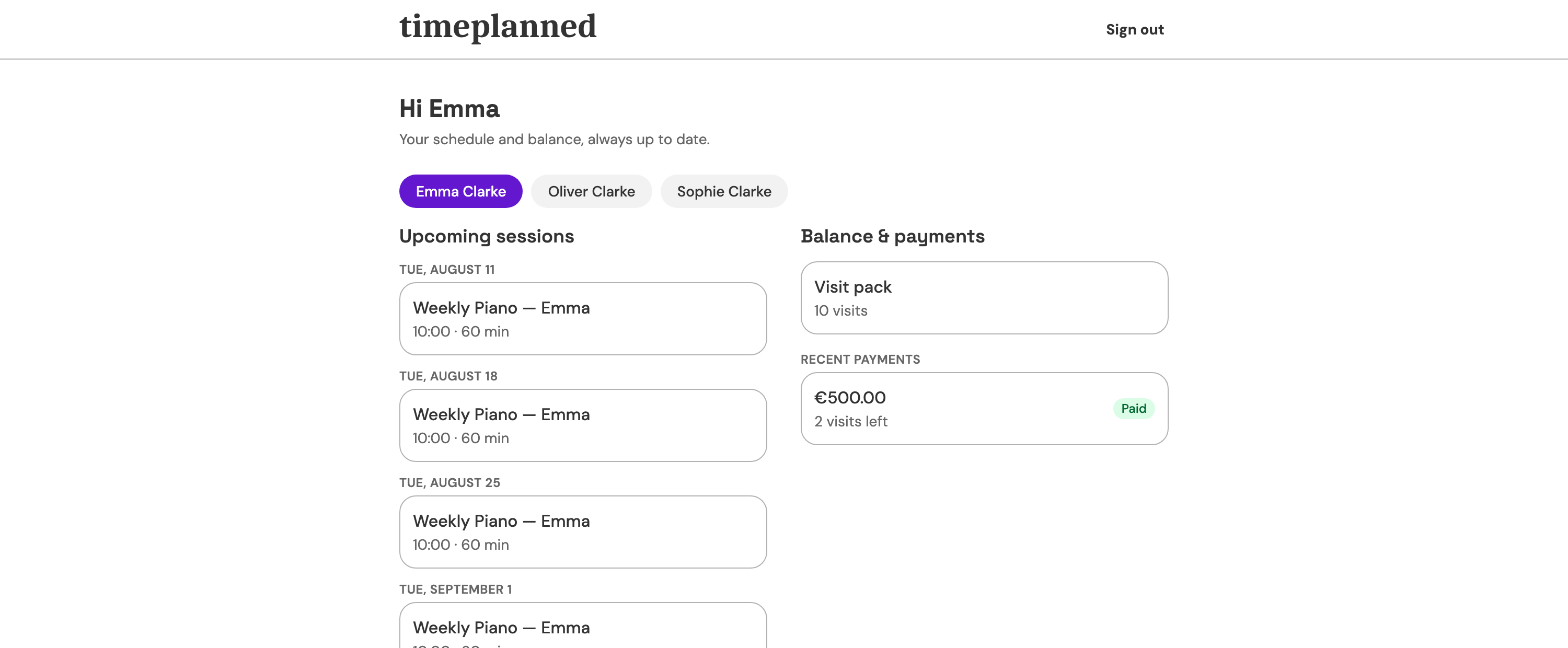
Students sign in with just their email — no password — and see their upcoming lessons, remaining sessions, and payment status. Parents see all their children in one place. Fewer "when is our lesson?" messages.
Class Capacity & Waitlists
Cap a group class at the size you can actually teach. When it fills up, new students go on the waitlist — and you move them onto the roster with one click when a spot opens.
Get Paid by Direct Debit
Billing in euros? Collect month-end payments by SEPA direct debit: students approve a mandate once from the portal, invoiced amounts are debited automatically, and payment status updates as the money arrives.
New
Insights
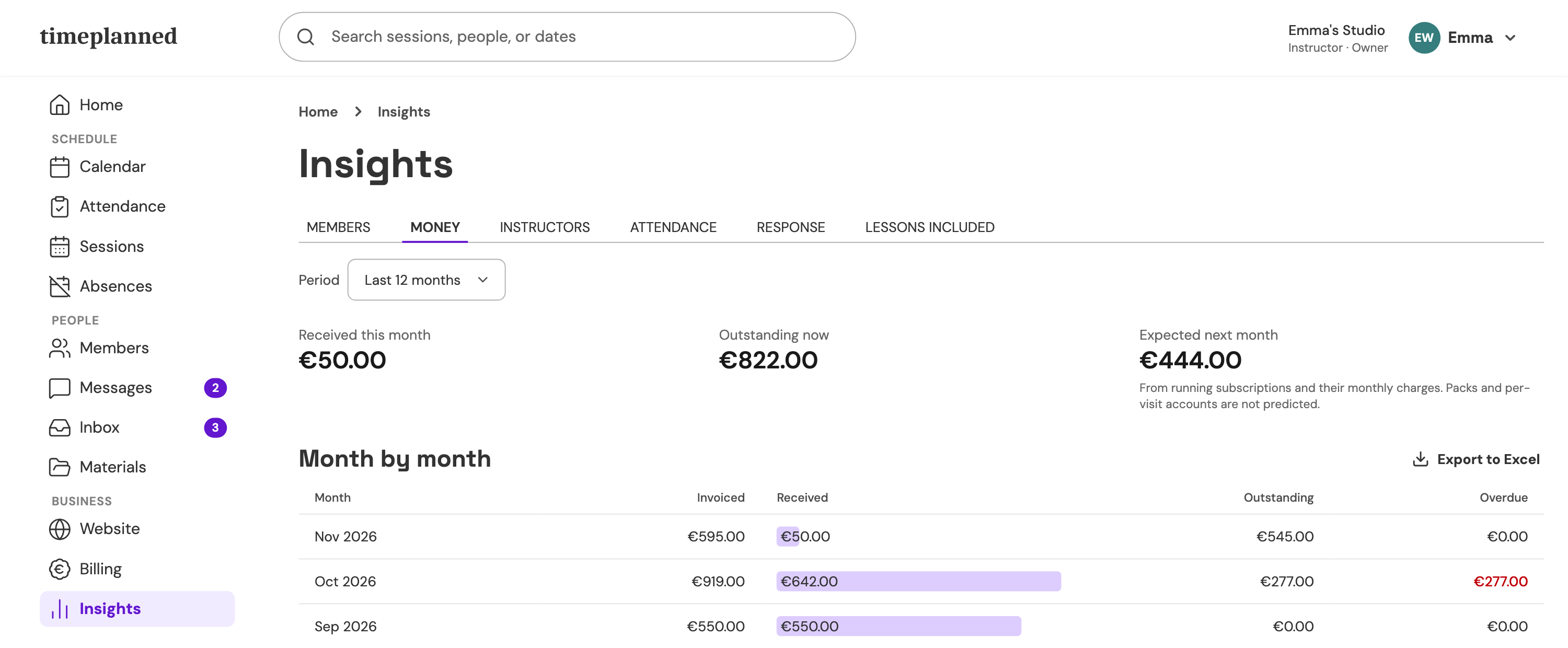
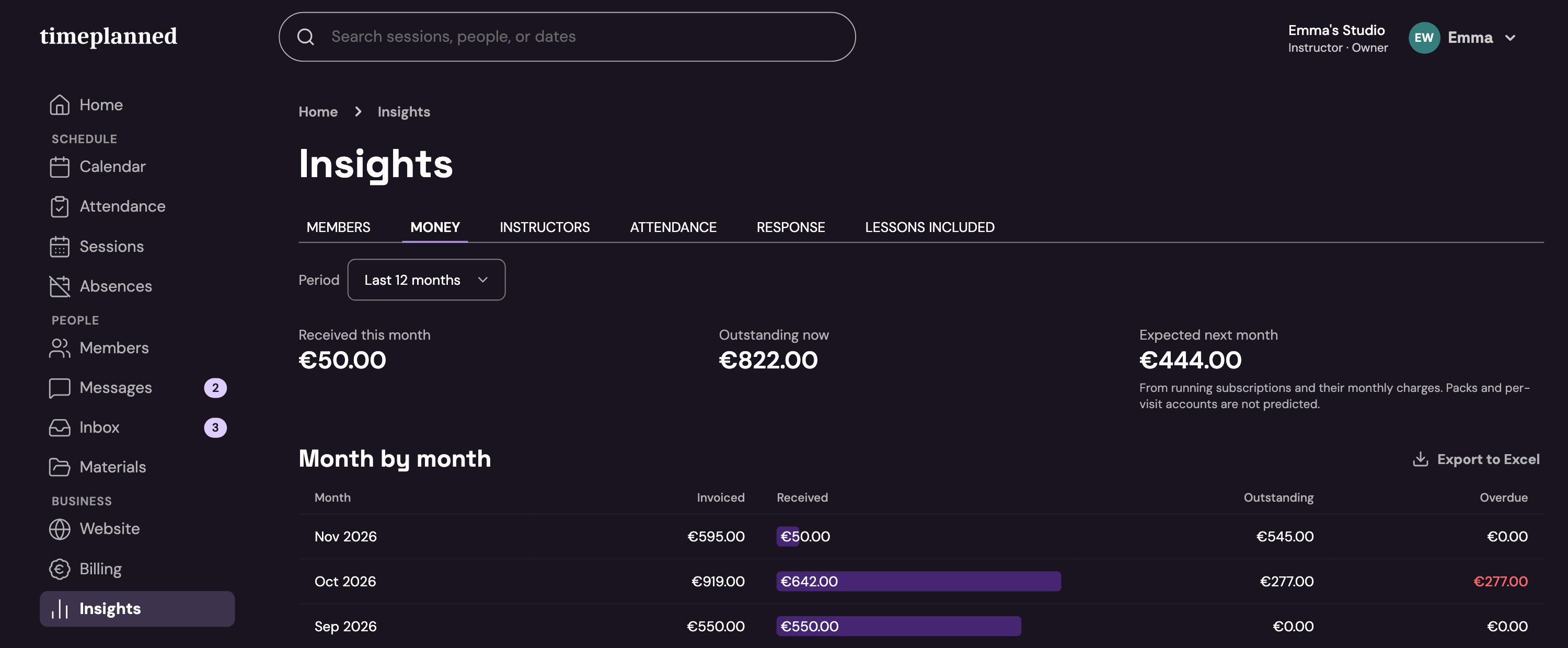
Owners and admins see the school's numbers without a spreadsheet: how many students came and went, what was invoiced and received each month, what each teacher taught, and who has not been in for four weeks.
- Students, money, teachers, attendance and open replies, each on its own tab
- The student, money, teacher and attendance tables export to Excel
- Included in every plan
New
Your public booking page
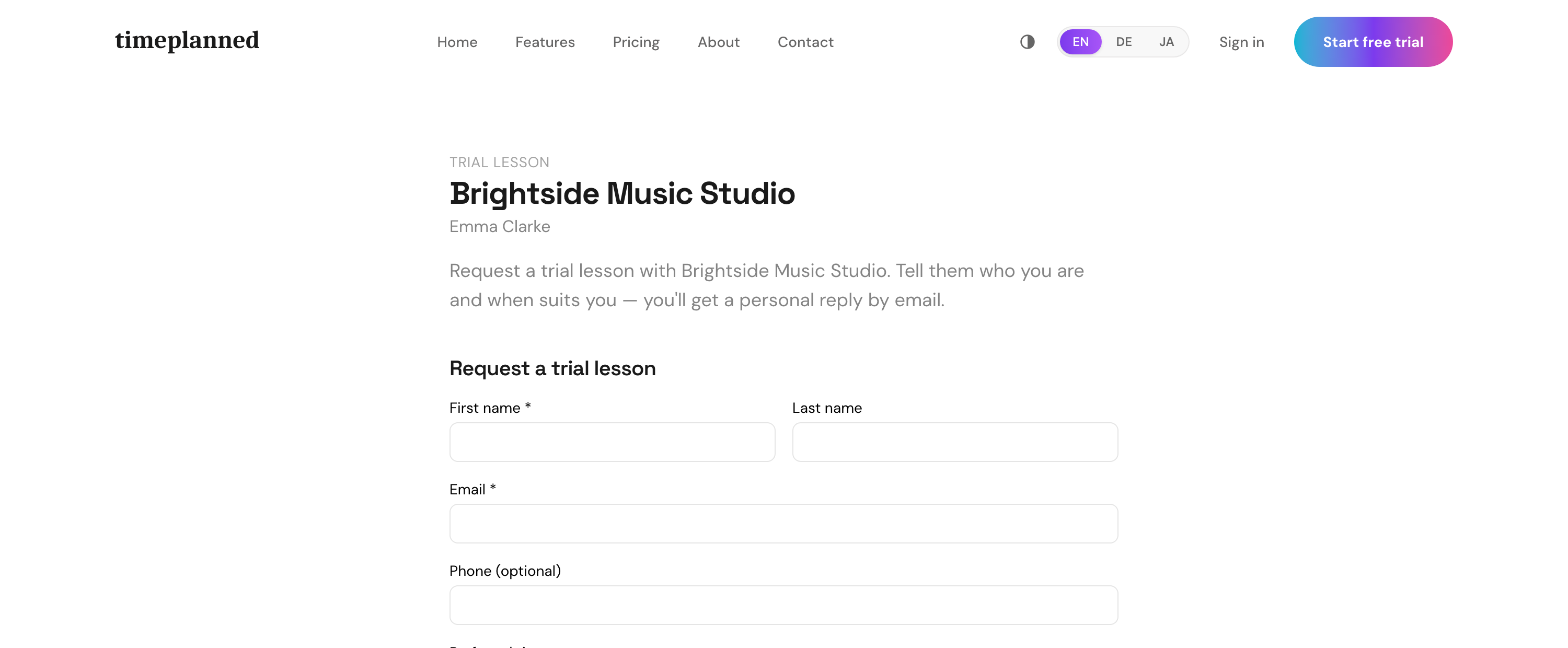
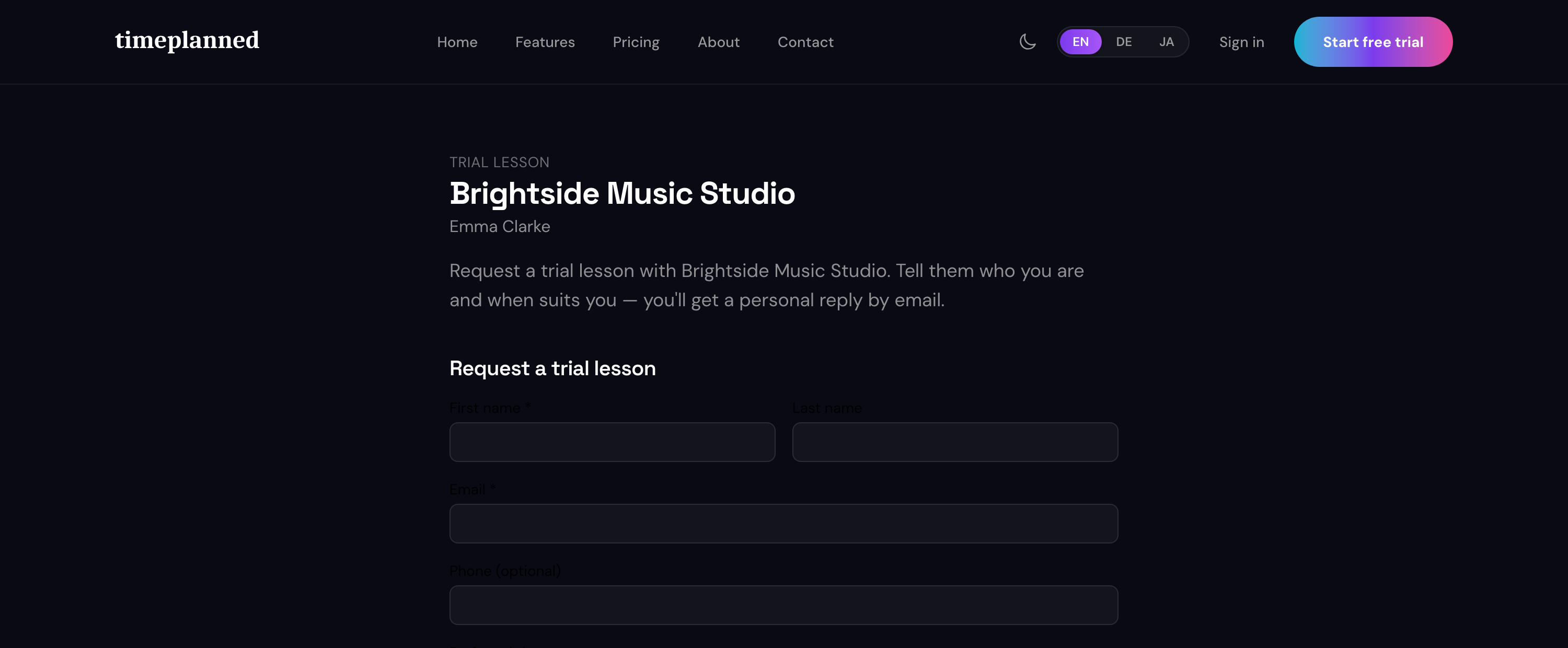
Turn it on and Timeplanned publishes a website for your studio at your-name.timeplanned.com, in English, German, Japanese, Ukrainian and Polish. Google and AI search can index it. List your lessons, and the trial form asks which one a request is for.
- New students request a trial lesson online
- Spam-protected, no account needed for requesters
- Confirm once, and the student record is created for you
- One link per lesson for your website or a flyer: on your piano page, the form opens with piano chosen
The member portal
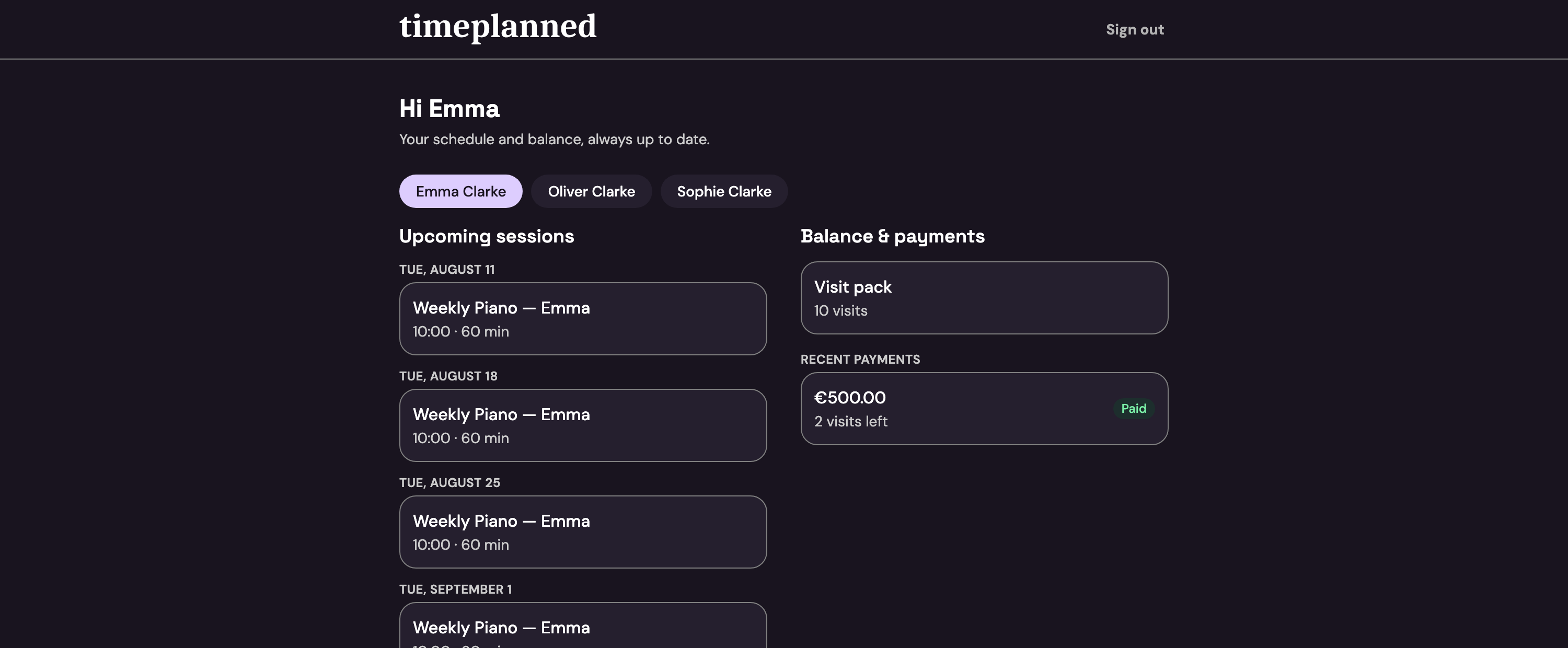
Every student (or their parent) can sign in with a one-time email link and see what you see about them: upcoming lessons, lessons left on their card, and what's paid.
- Passwordless sign-in by email link
- Parents reach all their children from one sign-in
- Schedule, balance and payments, always current
Up and Running in 3 Minutes
Add Your Sessions
Create your teaching sessions — set the subject, duration, recurrence, and add your students. Import from your calendar if you want.
Manage Your Week
See all upcoming sessions on your dashboard. Get a clear view of who's coming, what's next, and what was recently completed.
Track & Stay in Control
Mark attendance after each session. Track cancellations and no-shows. Always know where you stand with every student.
Take Back Your Teaching Schedule
Start your 60-day free trial today. Every feature unlocked, no credit card required.
Start free trial