Music school scheduling software for teachers
Thirty-minute piano slots every Tuesday, a makeup when one is cancelled, a ten-lesson card the parent can see. Timeplanned keeps the timetable and turns it into the month's invoices.
See how it works

Timeplanned is music school scheduling software for private teachers and small music schools. You set each student's weekly slot once, mark every lesson as taught or cancelled, with or without your fee, and the month-end invoice comes from those marks. Parents see the timetable and the lessons left on their card in a portal of their own. It costs $9.99 a month, including one teacher.
Five things a music timetable has to handle
A music teacher's year is short slots, the same students every week and parents paying for children. Hold any tool against these five.
Short recurring slots
30, 45 or 60 minutes, weekly or every second week, set once for the year. Moving one lesson must not break the series.
Lesson cards
Ten-lesson cards are common in music teaching. The count should drop when a lesson is taught, not when it is booked.
Attendance that becomes the invoice
Taught lessons and cancellations, with or without a fee, should decide the month's invoice, so a makeup is never owed in silence.
One sign-in per family
Most music students are children. A parent with two children needs one sign-in that shows both timetables and the card balance.
Reminders and trial lessons
A reminder before each lesson, and a page where a new family can ask for a trial lesson without a phone call.
What that looks like in Timeplanned
Timeplanned connects the teaching week to attendance, lesson packs and invoices. Each lesson belongs to the teacher who gives it; the team shares students and billing.
The weekly slot
Create the lesson once with its length and rhythm, and Timeplanned fills the year. Cancel one Tuesday and schedule the makeup as its own lesson; the series stays intact and the history shows both.
The lesson card
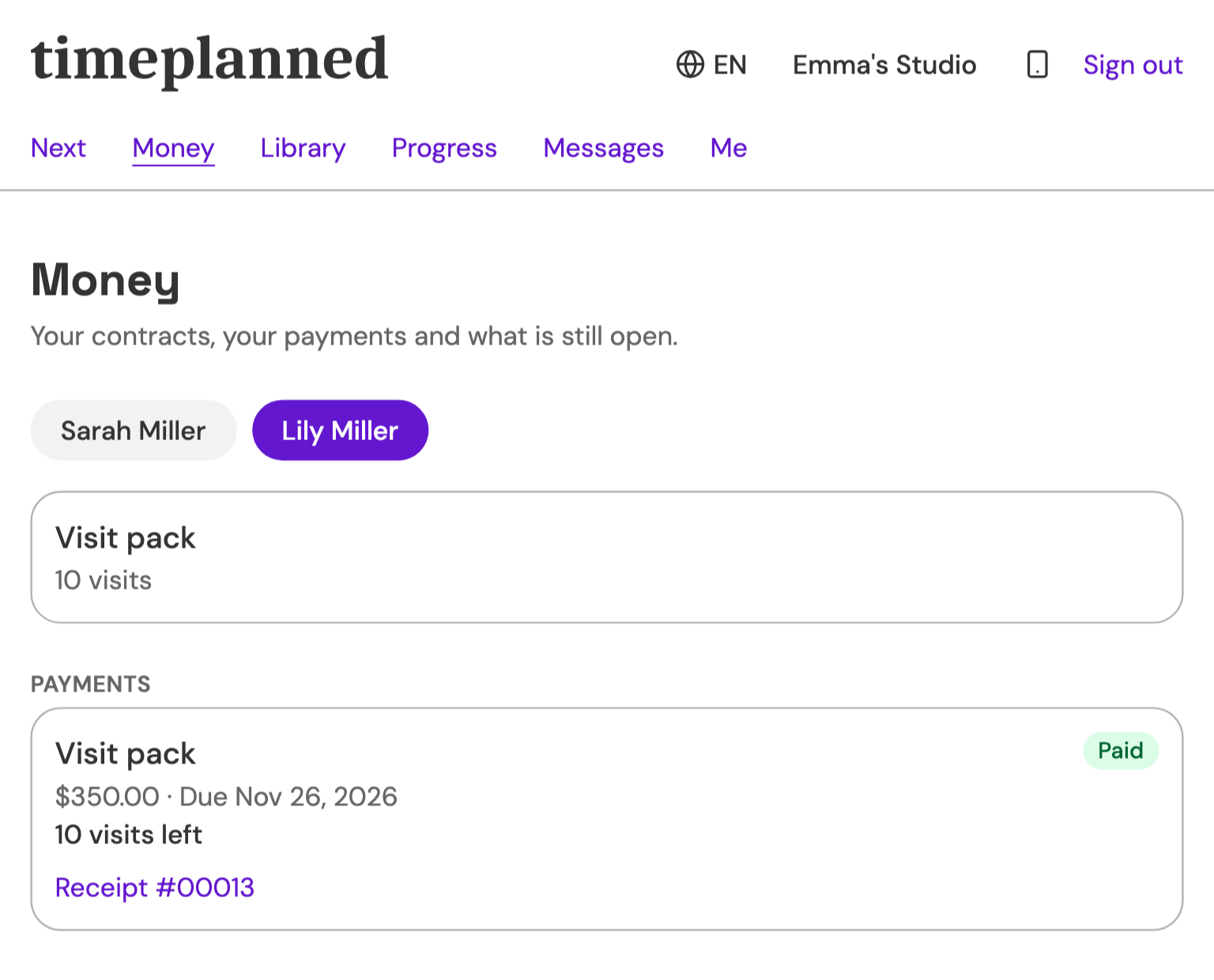
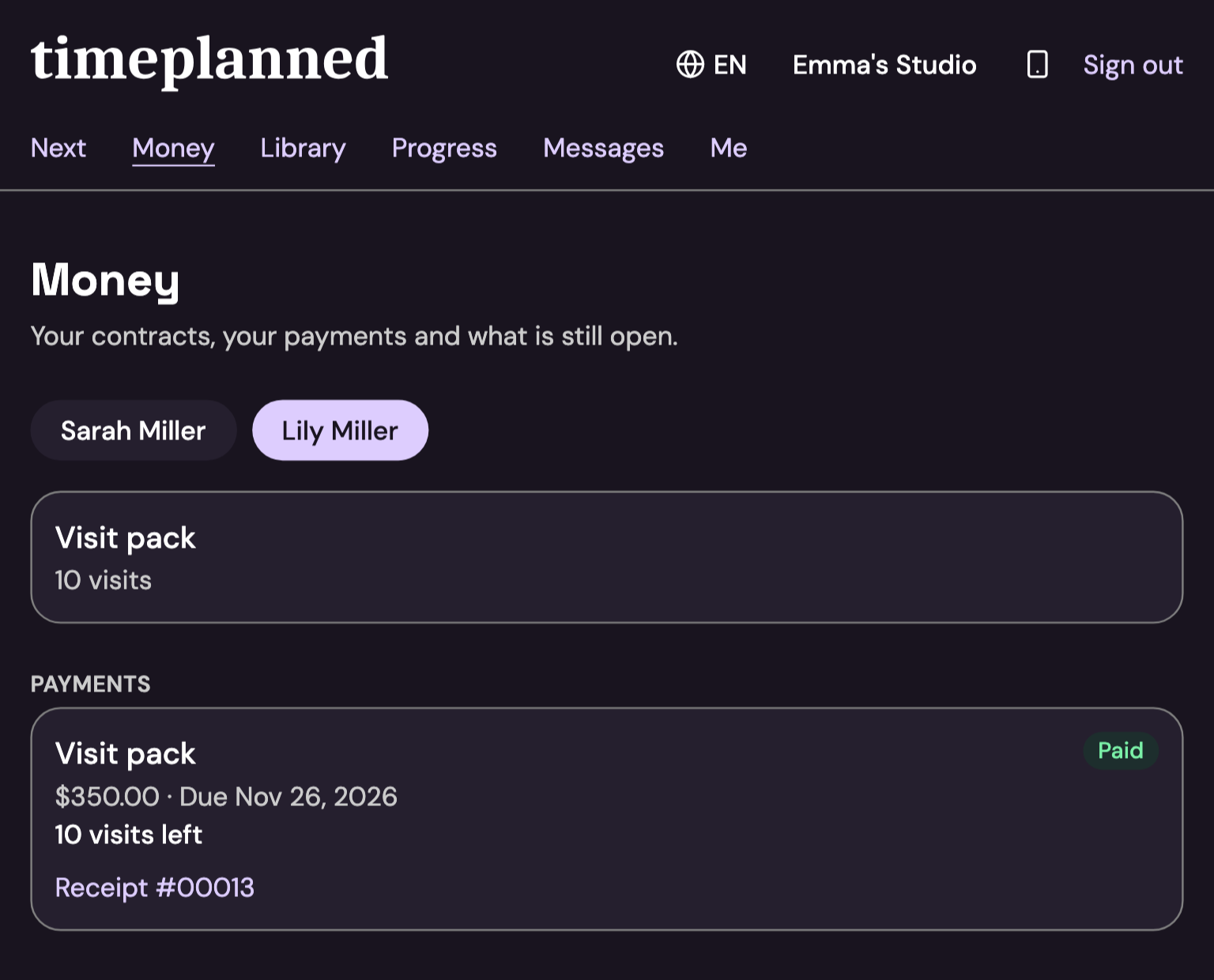
Sell a ten-lesson card. Each lesson taught takes one off, and the parent sees what is left in the portal.
The invoice
Mark the lesson after it ends. At month end Timeplanned drafts each student's invoice from the marks and the card, as a PDF invoice or receipt.
The family portal
The parent signs in with an email link and switches between their children. Each child's lessons, card balance and paid invoices sit on one page.
Reminders and the booking page
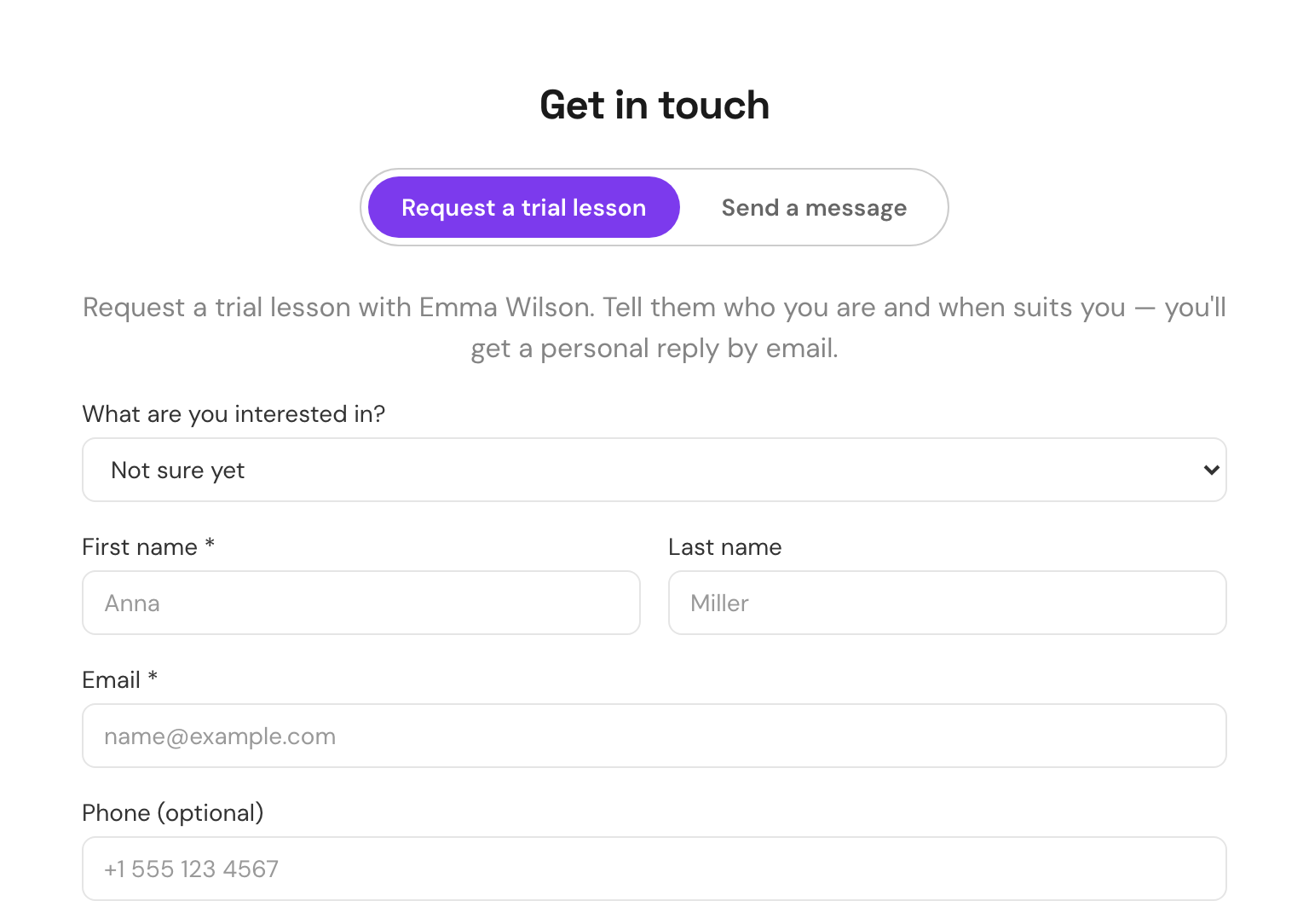
Students or parents get an email reminder 24 hours before each lesson by default. Your booking page takes trial-lesson requests, and confirming one creates the student.
Where Timeplanned stops
Timeplanned stops at three points. Better to know them now than after the first month.
- Your school runs term enrollment for hundreds of students, with payroll and teacher contracts. A dedicated music school management system fits better.
- You want a practice app with recordings and practice logs. Timeplanned schedules and bills lessons; students practice somewhere else.
- Every student pays cash per lesson and nobody asks what is owed. A paper timetable will do.
A shared calendar, a booking tool, or music school scheduling software
Most teachers have tried the first two. This is where each one runs out.
| What you need | A shared calendar | A general booking tool | Timeplanned |
|---|---|---|---|
| Weekly slots for the year | A shared calendar: Repeating events; a moved lesson is edited by hand. | A general booking tool: Usually built for one-off appointments. | Timeplanned: Each student's slot set once; one lesson moves without breaking the series. |
| Lesson cards | A shared calendar: Counted on paper. | A general booking tool: Some sell packages, counted per booking. | Timeplanned: Counted down per lesson taught, visible to the parent. |
| Makeup lessons | A shared calendar: A note in the event. | A general booking tool: A new booking. | Timeplanned: The cancelled lesson and the makeup both on the student's record. |
| Month-end invoice | A shared calendar: Built by hand from the calendar. | A general booking tool: Payment usually taken up front, per booking. | Timeplanned: Drafted from the month's marked lessons, PDF included. |
| Where it breaks | A shared calendar: Invoices are built by hand each month, and the time grows with every student. | A general booking tool: Weekly students and parents who pay by the month. | Timeplanned: Large schools with payroll and term enrollment. |
$9.99 a month or $99 a year, including one teacher
Each additional active teacher costs $4.99 a month or $49 a year. Accounts started by December 31, 2026 qualify for Solo at $5.99 a month. Euro-area prices are listed on the pricing page. See pricing
Questions from music teachers
- What is the best music lesson scheduling software for a private teacher?
- One that handles short weekly slots, lesson cards and parents who pay, not only appointments. Timeplanned does all three, records each lesson as taught or cancelled, with or without your fee, and drafts the month-end invoice from that record. It costs $9.99 a month including one teacher.
- Does this music school scheduling software work with several teachers?
- Yes, for a small school. One subscription covers the team, and each additional active teacher costs $4.99 a month or $49 a year. Each lesson is assigned to the teacher who gives it, and students, cards and invoices are shared. A school that needs payroll or term enrollment for hundreds of students will want a dedicated system.
- How do makeup lessons work?
- Cancel the single lesson and the weekly series stays as it is. Schedule the makeup as its own lesson. Both appear in the student's history, so a makeup that is still owed is visible to you.
- Can I sell 10-lesson cards?
- Yes. Each lesson taught takes one off the card, the parent sees the balance in the portal, and the card's invoice shows as paid once you mark it paid.
- Is there music school timetable software that parents can see?
- Timeplanned's portal is that view. A parent signs in with an email link, switches between their children and sees each child's upcoming lessons, lesson card and paid invoices. They can cancel a lesson there, within the cancellation policy you set.
Put one week of your timetable in
Add your students and their slots, mark the week and see the invoices it drafts.