Scheduling software for language teachers
Every lesson, student and payment in one dashboard, across rhythms, time zones and group courses.
Payment received
€50 · Piano · Lucy L.
Sound familiar?
- 01
One student comes weekly, another every second Thursday, a third 'whenever work allows' — no calendar app expresses that cleanly.
- 02
Online students sit in different time zones — one clock change and somebody joins an hour late.
- 03
Group conversation courses and private lessons mix in one week, but attendance and billing live in two different notebooks.
How Timeplanned handles it
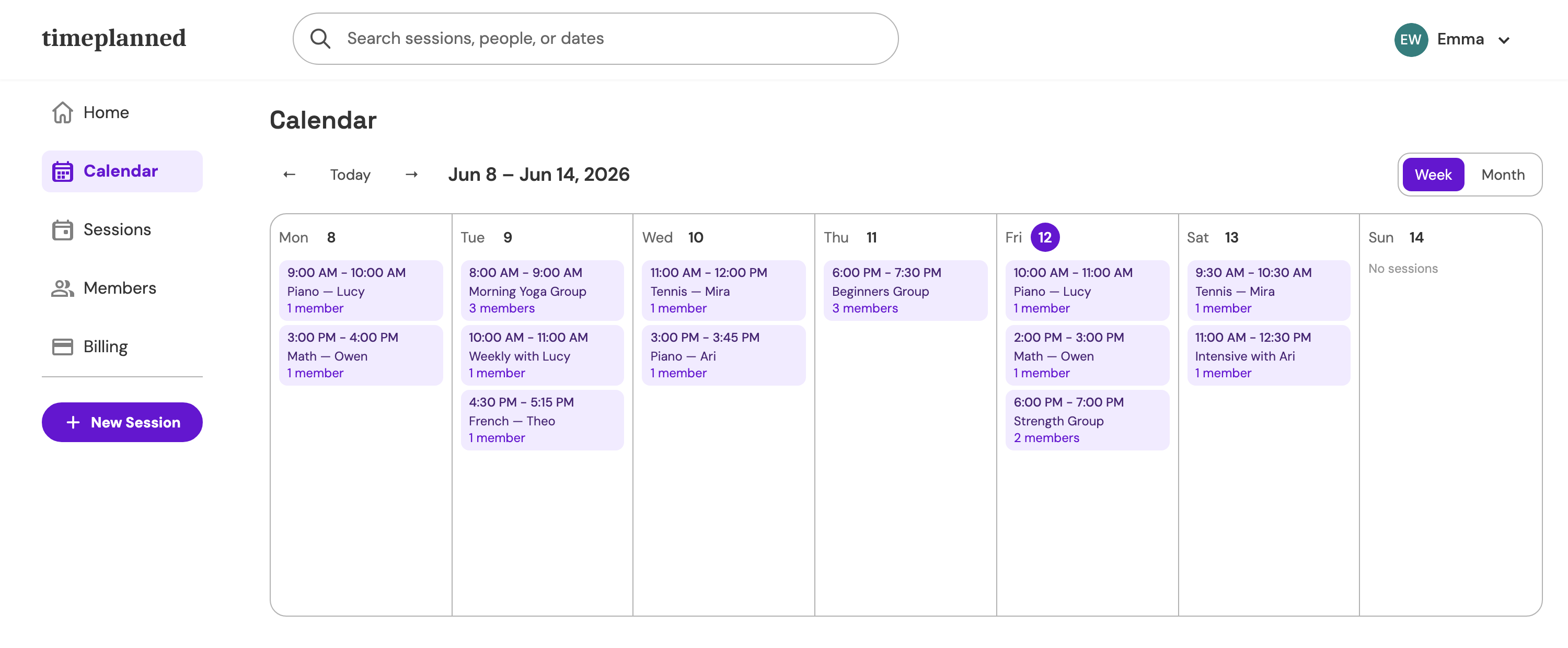
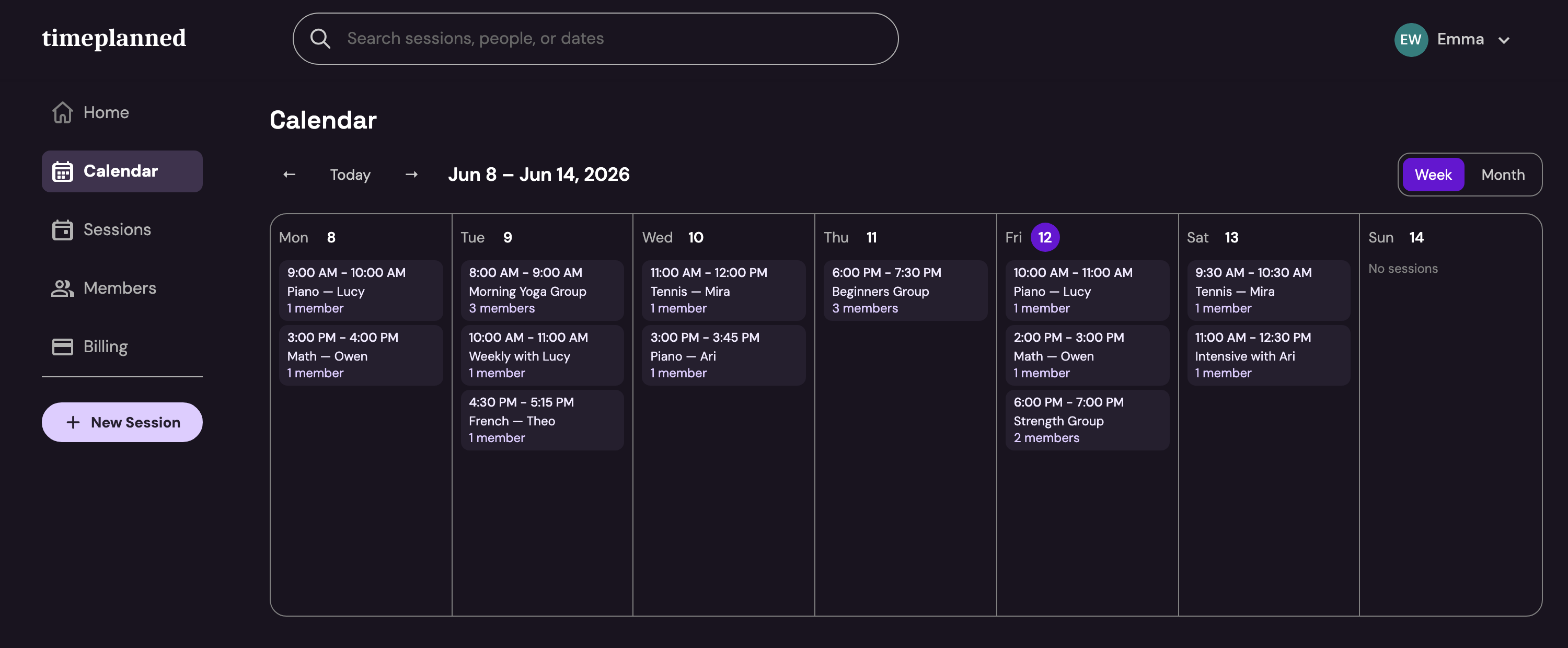
Flexible recurring patterns
Weekly, bi-weekly, specific days only — set each student's rhythm once and adjust single lessons without breaking the series.
Calendar sync & invites
Google Calendar and Outlook sync plus calendar invites for students — online lessons land at the right local time on both sides.
Groups & one-on-ones together
Run conversation groups and private students from the same dashboard, with per-student attendance in both.
Automatic month-end billing
Different rates and rhythms still end in one clear statement per student at the end of the month.
$9.99/month — one price, everything included
60-day free trial, no credit card. Founding members lock in $5.99/month for life on the Solo plan.
See pricingLanguage teacher questions, answered
- What is the best scheduling software for language teachers?
- Language teachers juggle mixed frequencies, time zones, and group courses beside one-on-ones. Timeplanned is built for exactly that combination — scheduling, attendance, and billing in one dashboard for $9.99 per month, with a 60-day free trial.
- Does it handle students in different time zones?
- Yes. Lessons sync to Google Calendar and Outlook and students receive calendar invites, so each side sees the lesson at their own correct local time.
- Can I mix group courses and private lessons?
- Yes. Group classes and one-on-one lessons live in the same schedule, and attendance is tracked per student in both.
- Can students book lessons themselves?
- Every teacher can enable a public booking page at their own address — your-name.timeplanned.com — where new students request a trial lesson. Confirming a request creates the student record automatically.
Take Back Your Teaching Schedule
Start your 60-day free trial today. Every feature unlocked, no credit card required.
Start free trial